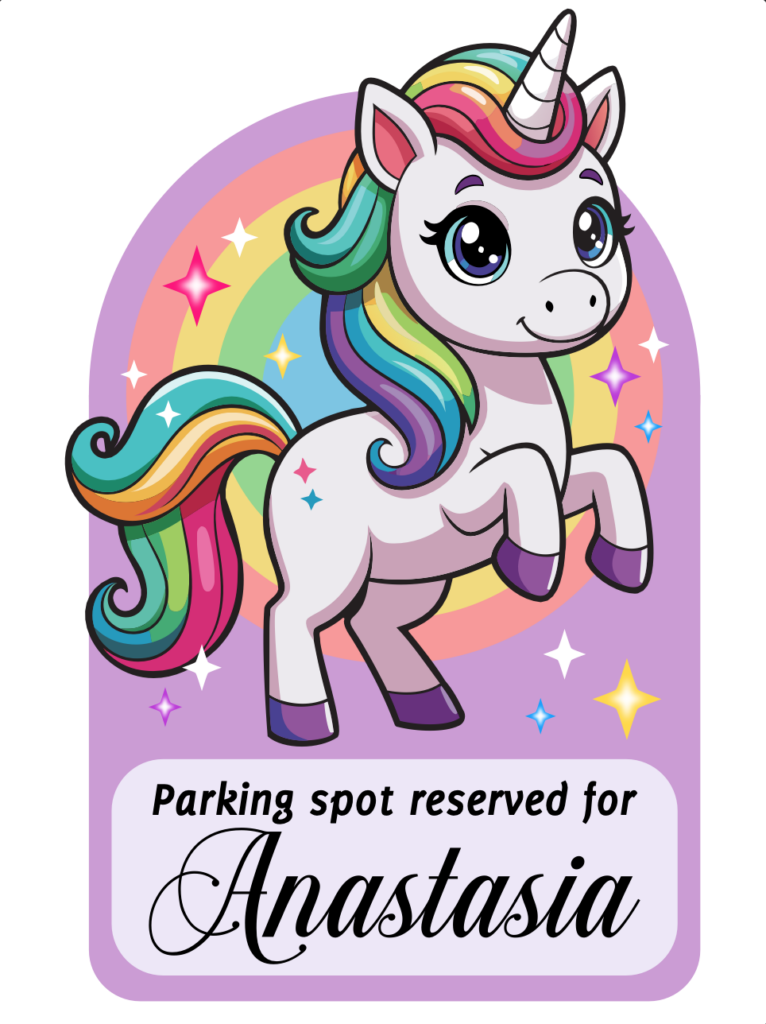
Was it easy? Yes and no – it was weirdly complicated in an unexpected way! Would I do it again? Probably.
The situation
My friend loves unicorns, and we joked about making her a sticker to claim her parking spots. Sounds like a great idea and totally worth it for the laughs! Since it’s joke project, I didn’t want to spend hours drawing a unicorn from scratch. Instead, I looked for a free stock vector to get started.
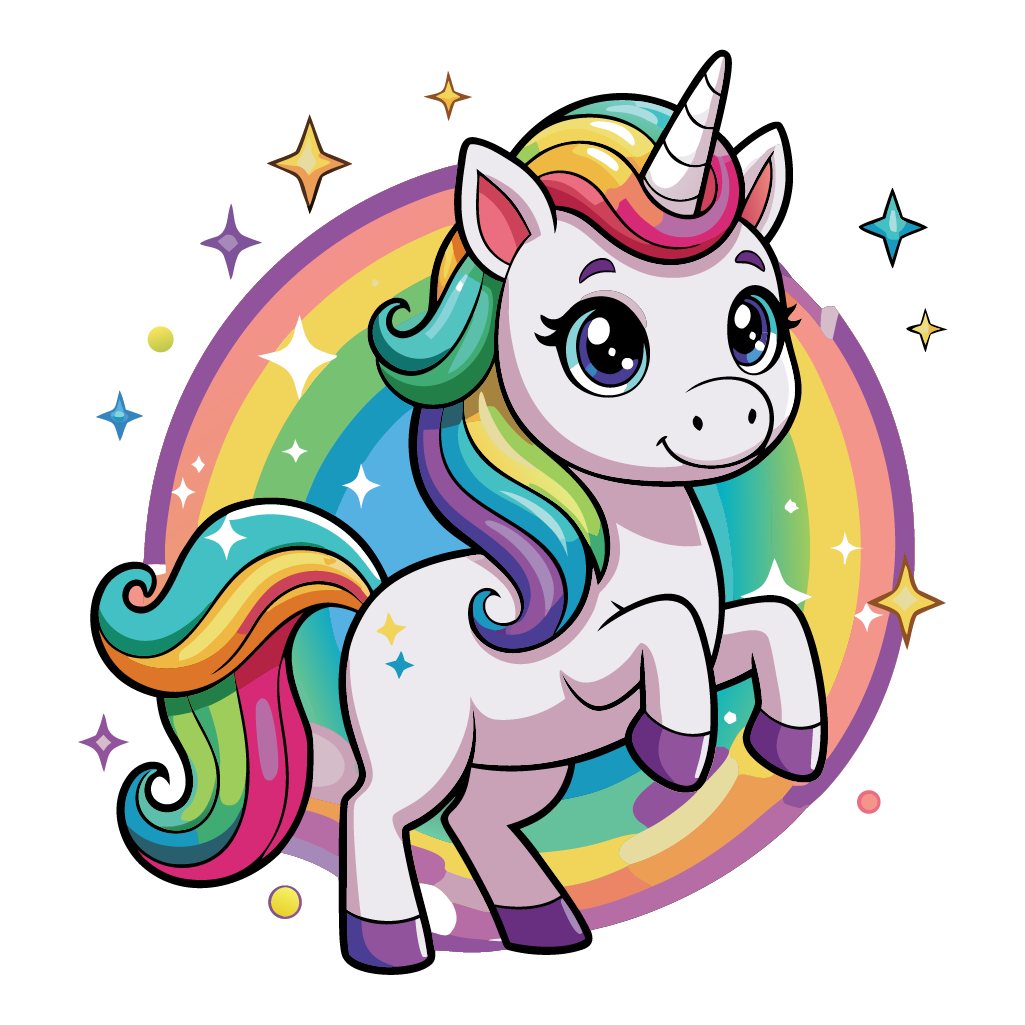
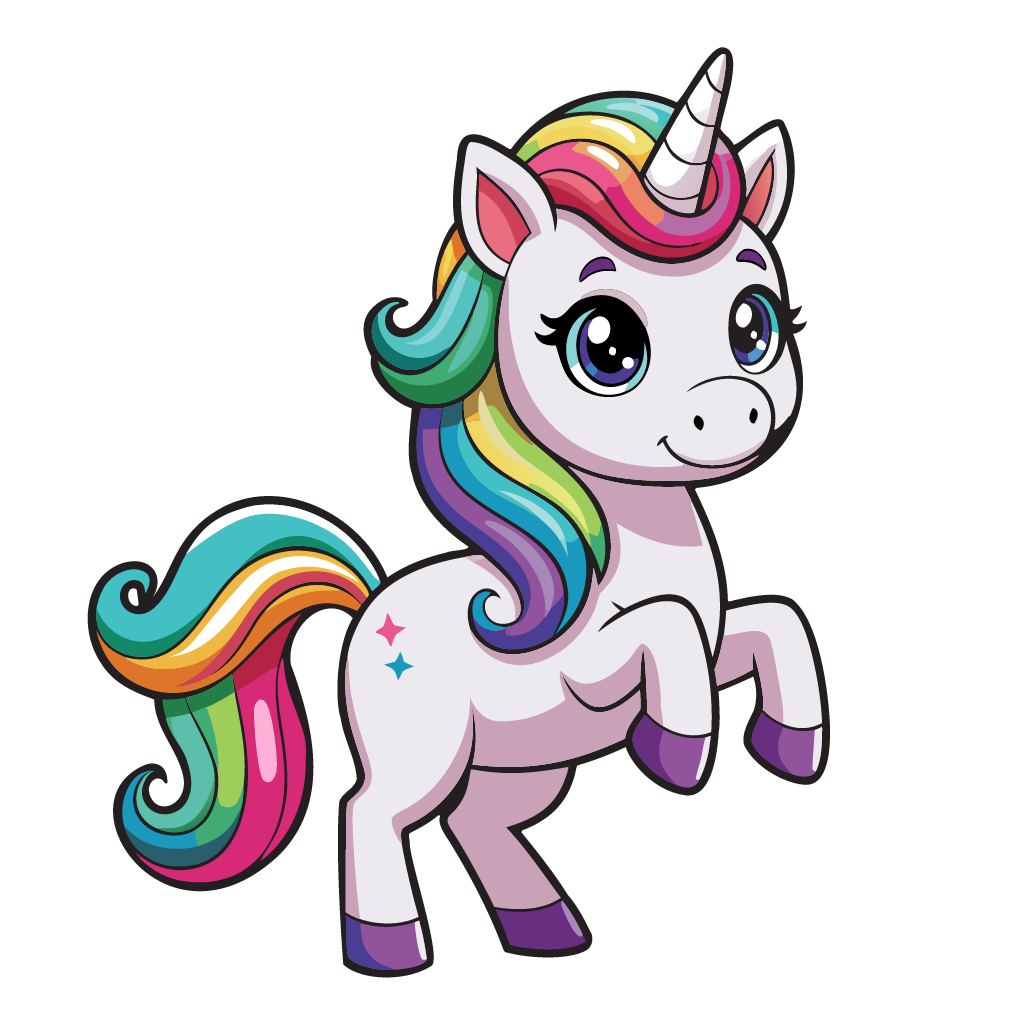
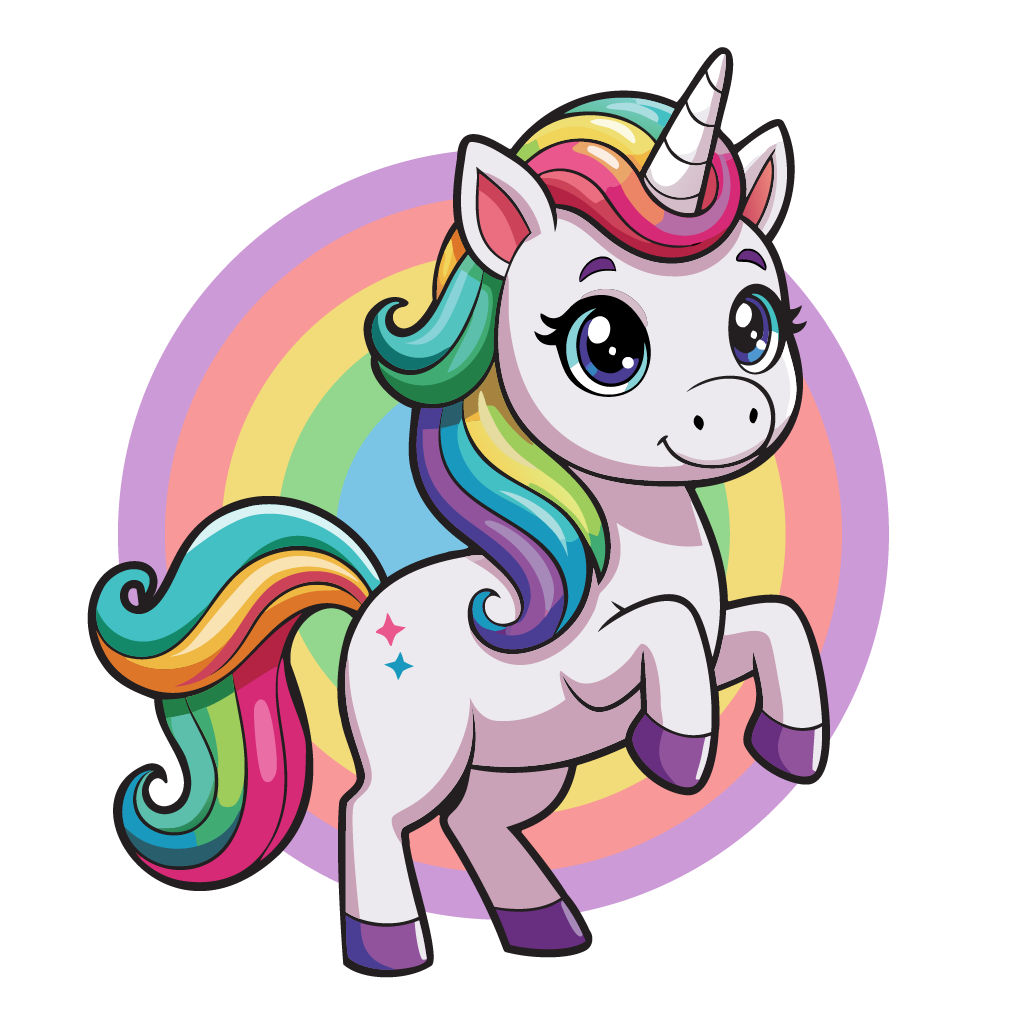
I found a cute cartoon unicorn on Vecteezy that was almost perfect, but it was standing on four legs. I imagined the unicorn sticker with it rearing up on its hind legs rather than standing. Fortunately, Vecteezy has an AI modification tool, so I tried it and got the same unicorn in right the pose. Easy, right? If only that were the end of the story…
The vector file
The circular rainbow behind the unicorn was broken up and there were odd splotches of color in it. There was also clumsy shapes in the shading of the mane and tail, but I figured I could replace the background and fix those shapes easily enough. In Illustrator, the outlines looked ok, without too much of the messy overlapping paths you often get from generated vectors. I was starting to think AI might be able to handle this after all.
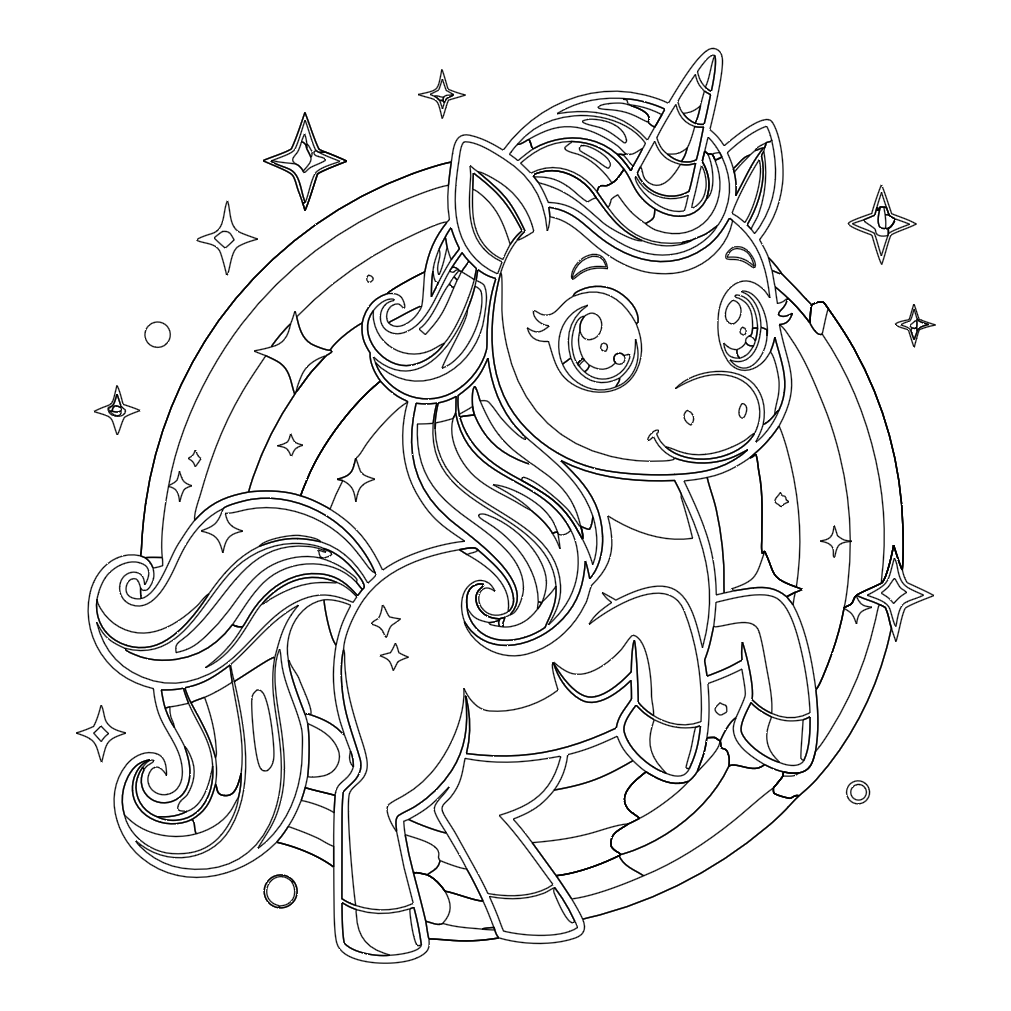
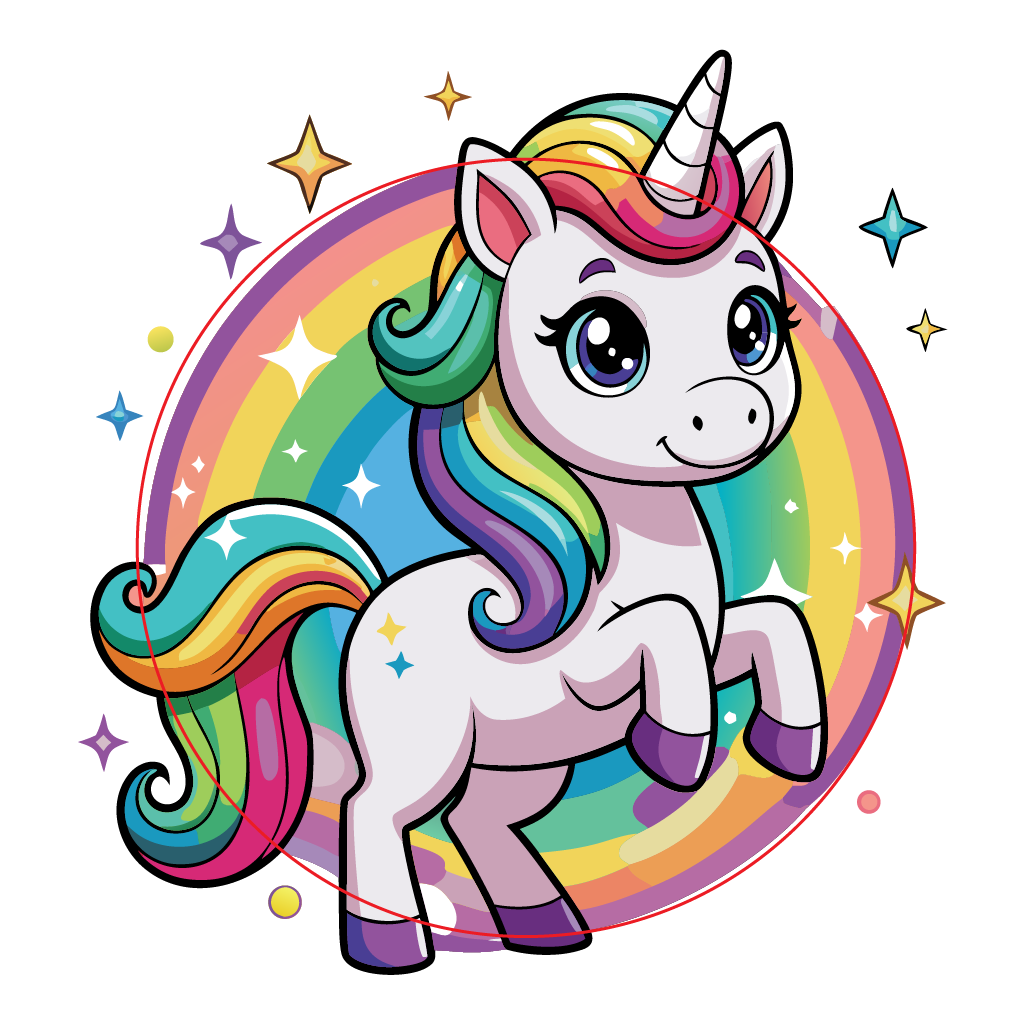
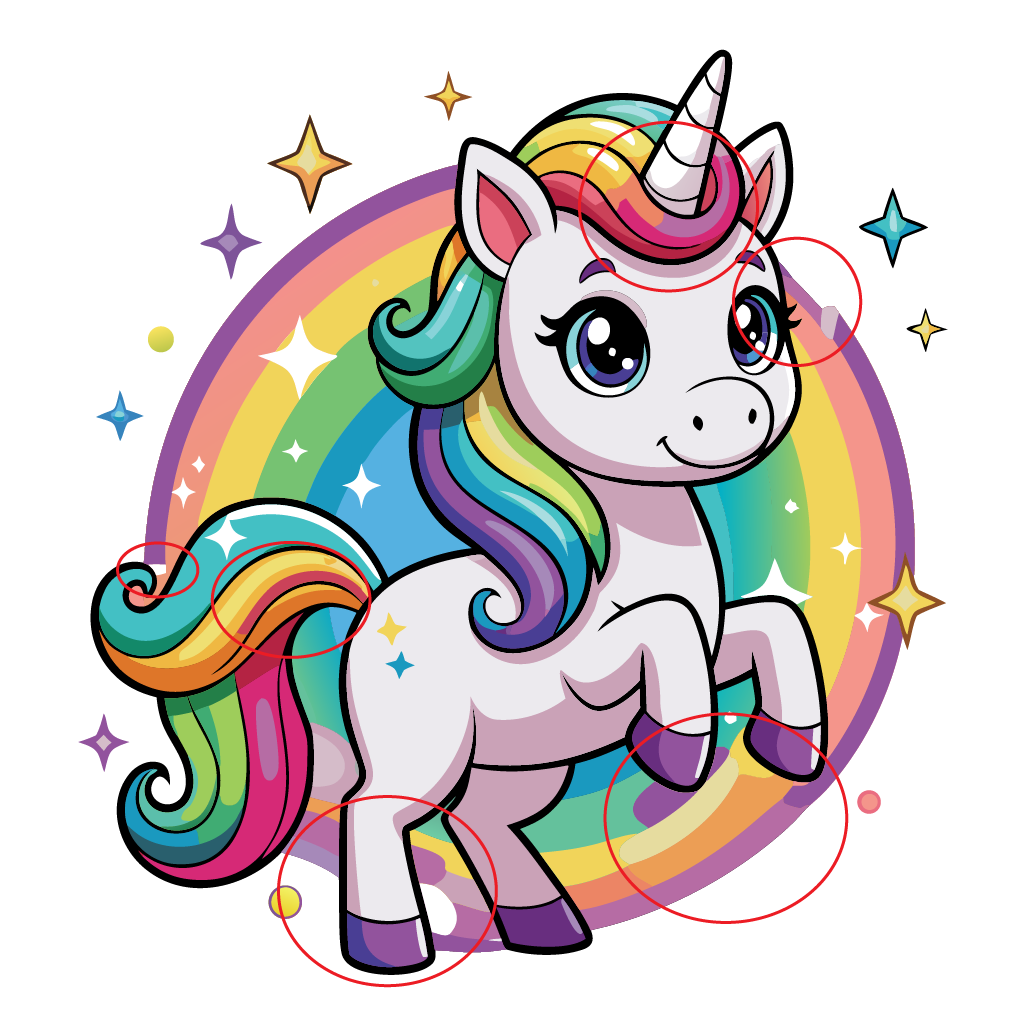
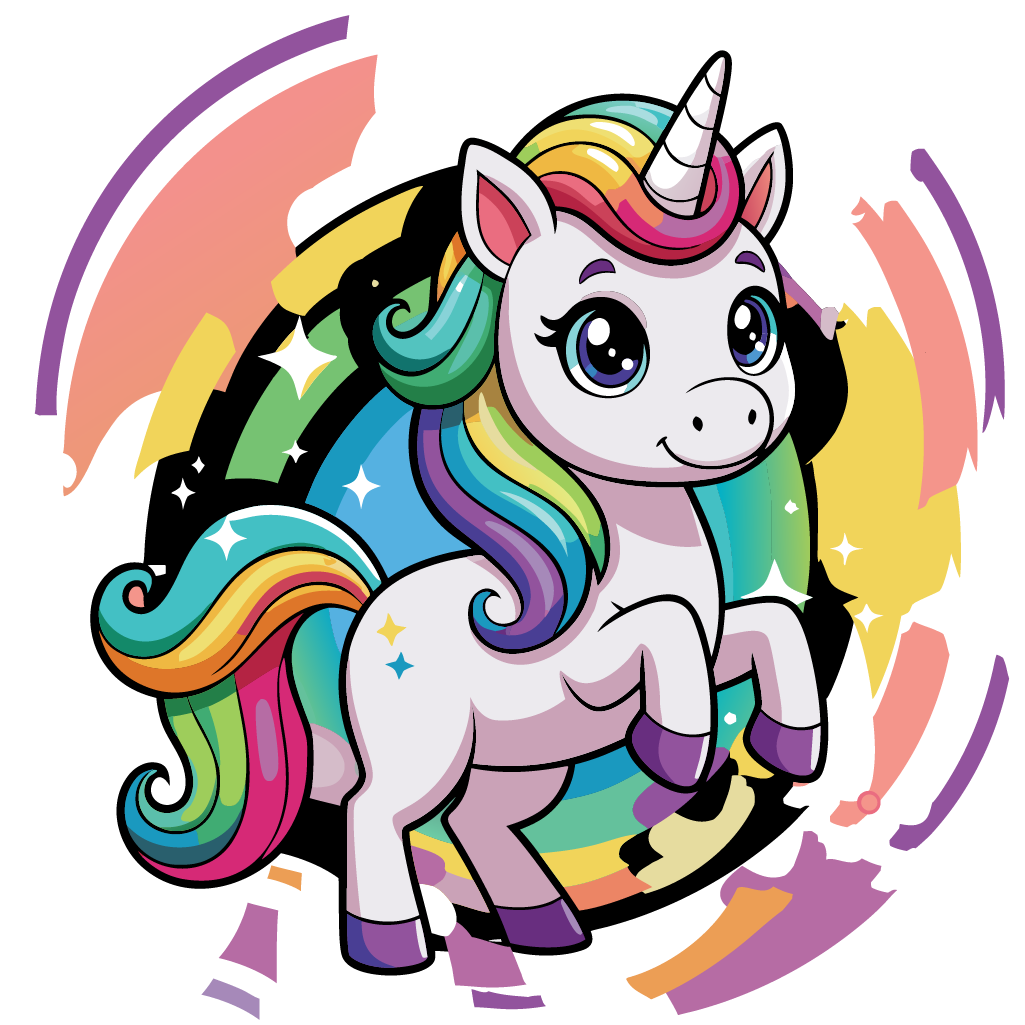
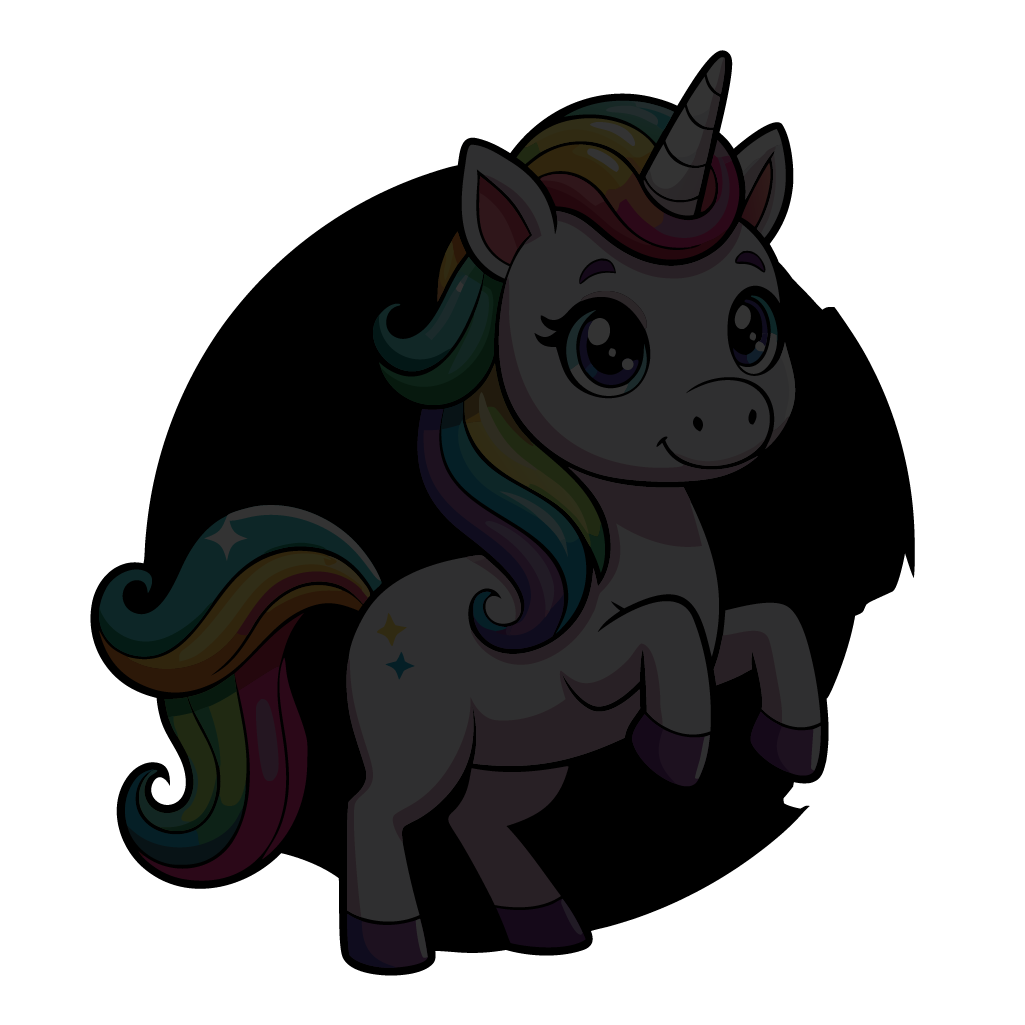
Then I tried to select the broken background circles. It turns out the background was made of overlapping jagged shapes that had to be deleted one at a time. Worse, when I dragged to select and delete several pieces, the black outlines around the unicorn disappeared. They weren’t outlines at all, but one big shape behind all the colored areas and extending behind the background circle.
The cleanup process
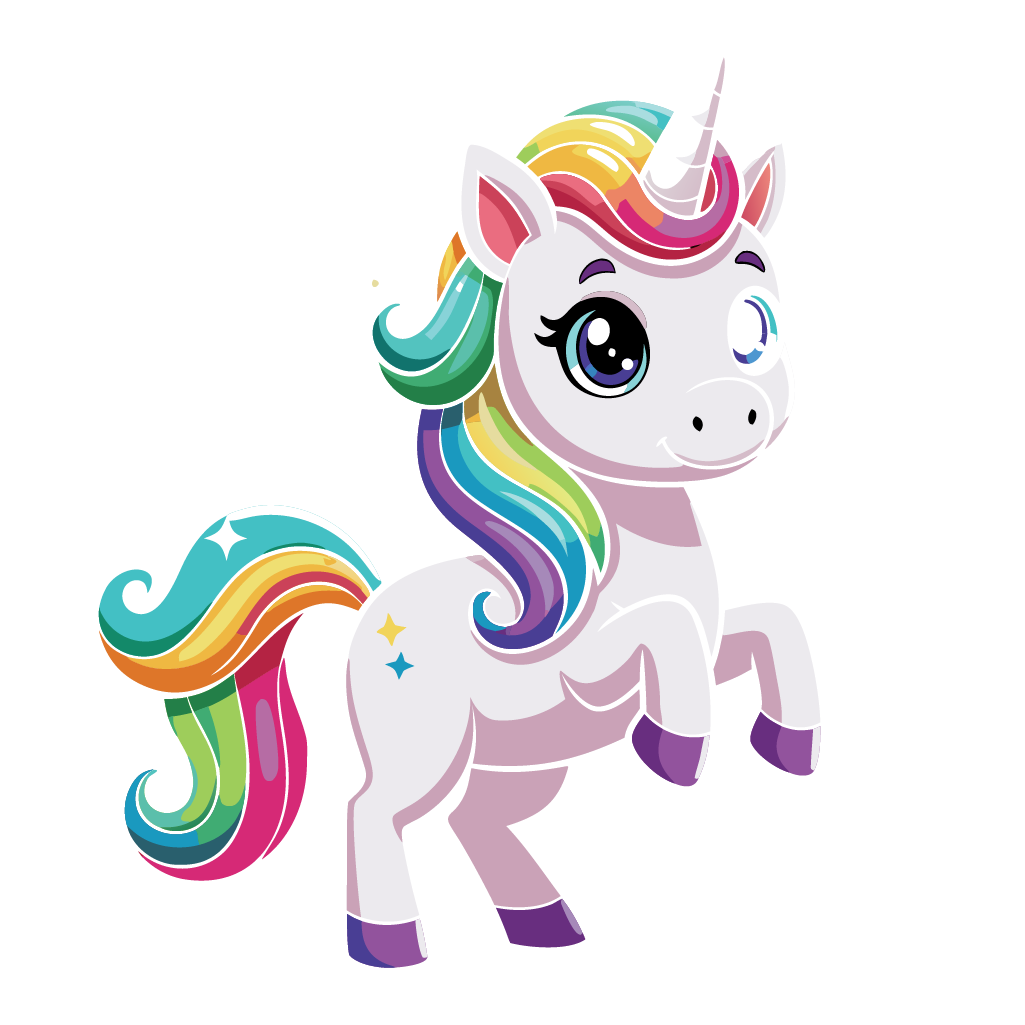
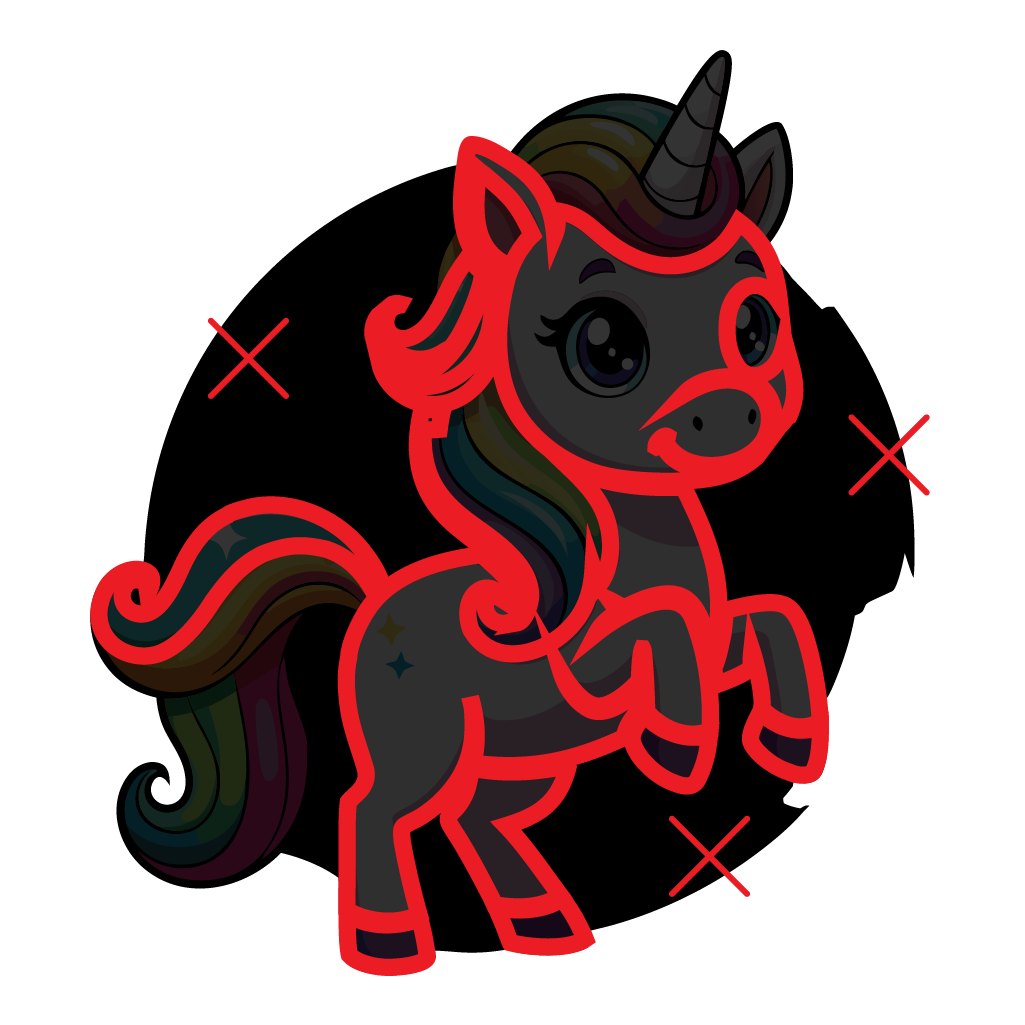
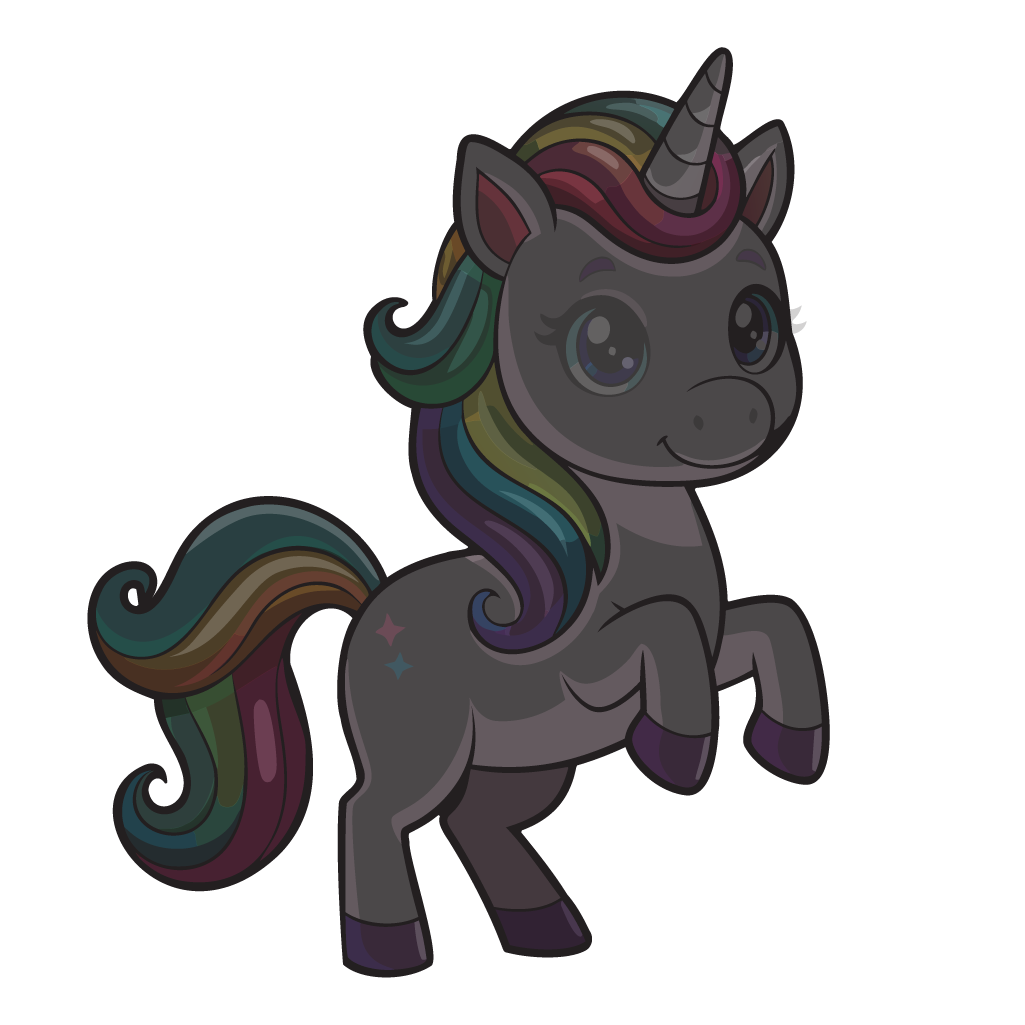
I used the Scissors tool to cut away the parts of the black shape I didn’t need. Then I copied parts of the unicorn to recreate the outlines for the neck, back, and belly. That created more lines than necessary, so I simplified and smoothed them out a bit. Finally, I converted the lines to shapes, and used Pathfinder and Shape Builder to piece together one black outline shape for the whole drawing.
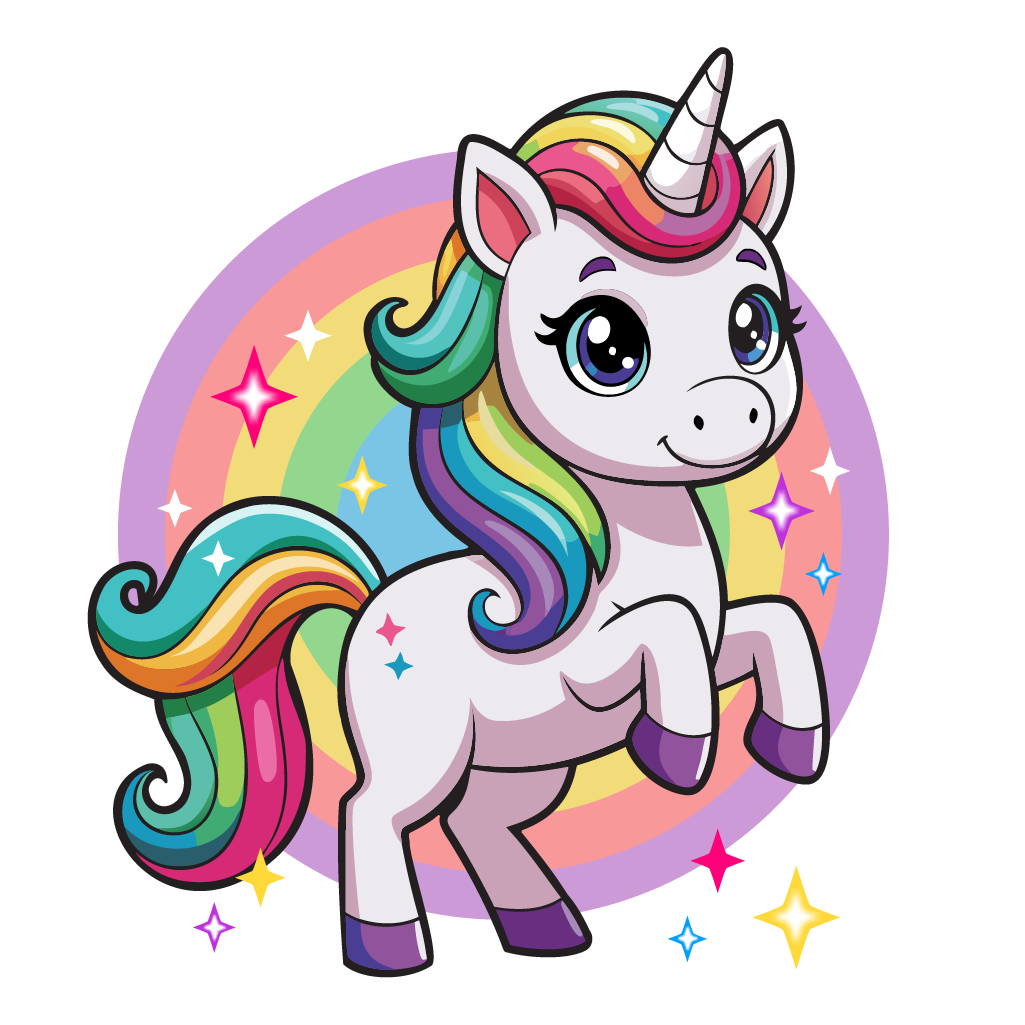
About half an hour later, I finally had a clean unicorn vector with its outlines restored and the wonky background removed. From there, I added a geometrically circular rainbow for the background. I also drew new geometrically symmetrical stars (the asymmetry of the old stars bothered me) and added them. Finally, I added the text to finish the sticker design.
Verdict
The AI modification worked better than I expected: the unicorn came back in the same style, but in the pose I asked for. But the rainbow behind the unicorn was made up of jagged overlapping shapes and included the black outline, which made fixing the file complicated. Overall, repairing the file was still faster than drawing a unicorn myself, but this “quick” project became more complicated than I expected. And most ironic of all, fixing the file took more Illustrator know-how than the average user would need to draw a unicorn in the first place!